Home / 3D Software for Reverse Engineering, Inspection and LiDAR in Malaysia / SHINING3D Inspect: 3D Inspection Software in Malaysia

SHINING3D Inspect: 3D Inspection Software in Malaysia

SHINING3D Inspect is SHINING 3D’s modular 3D inspection software. It compares scan data with the CAD model, shows deviation as a colour map, evaluates GD&T to ISO or ASME, and produces customisable reports. Its Gauss least-squares and Chebyshev algorithms are PTB-certified. MAKE3D is the Official Distributor of SHINING 3D in Malaysia, so we supply Inspect with the FreeScan scanners, train your team and support the licence. Send us a part and its CAD model and we will run the inspection in a demo.

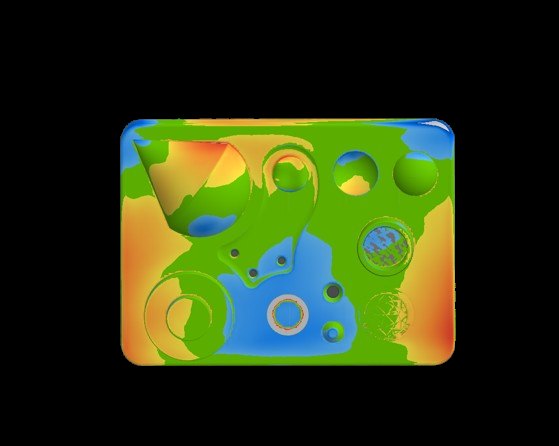
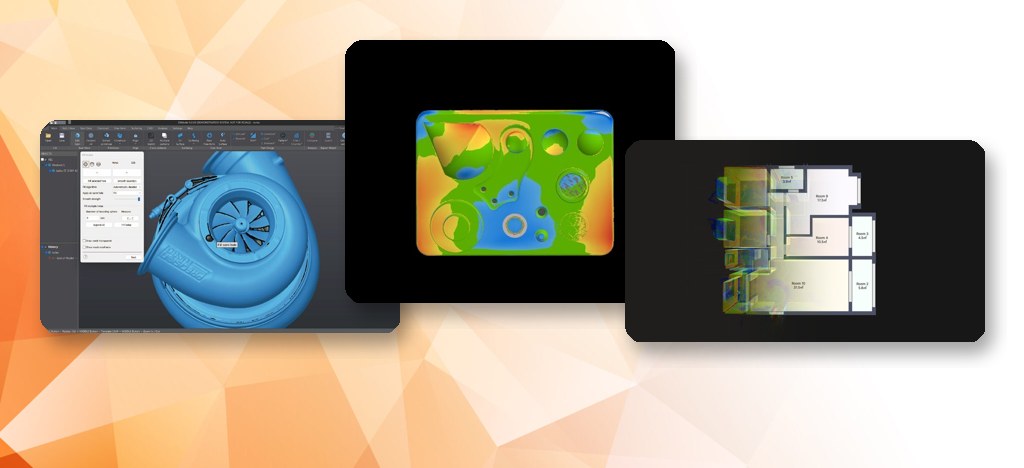
SHINING3D Inspect colour deviation map on a machined part

What does SHINING3D Inspect do?

Inspect turns a scan into a pass-or-fail answer. You import the scan and the CAD model, align them, and read the result as deviation, dimension and GD&T. Main functions, as stated by SHINING 3D:

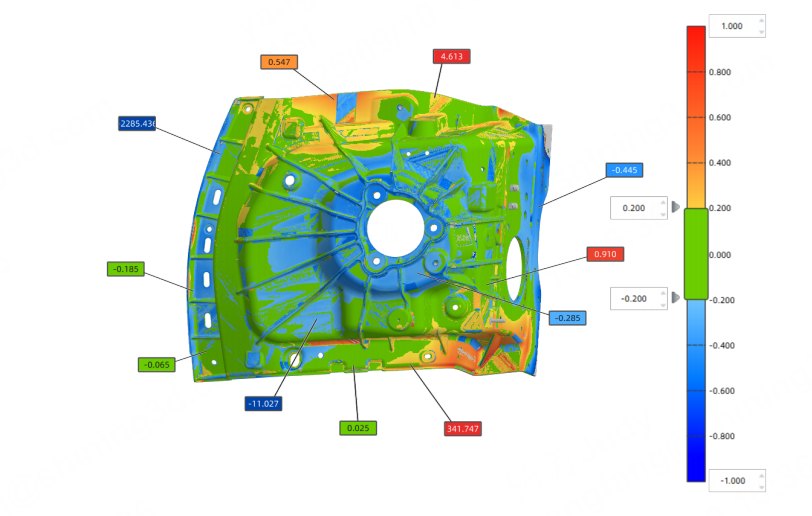
  • Full-field deviation analysis: compare scan data with CAD, see 3D colour maps, analyse 2D cross-section deviation, and set your own colour scales.
  • GD&T evaluation: switch between ISO and ASME, evaluate critical dimensions and verify tolerances on functional features.
  • Alignment and import: multi-format data import and several alignment tools, including best fit, datum and RPS.
  • Features and measurement: intelligent feature recognition, cross-section tools and a measurement toolset.
  • Application modules: dent inspection, and sheet-metal inspection for deformation, springback and profile deviation.
  • Reports: automated, customisable reports that keep the inspection traceable.

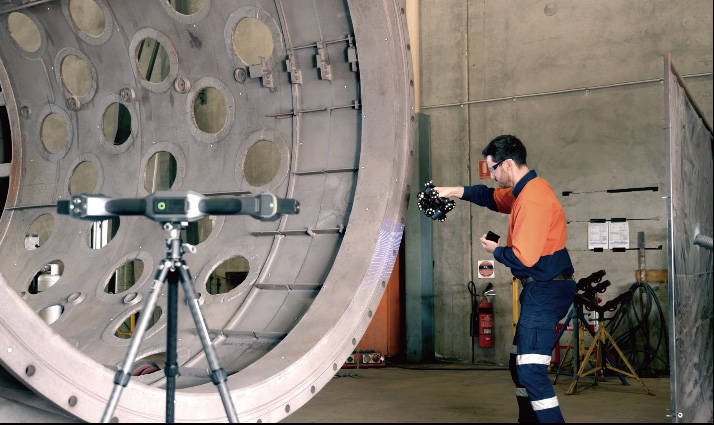
It has a light and dark interface. This is non-contact 3D scanning inspection, so it suits parts that are slow or impossible to measure with a gauge.

Where does Inspect run?

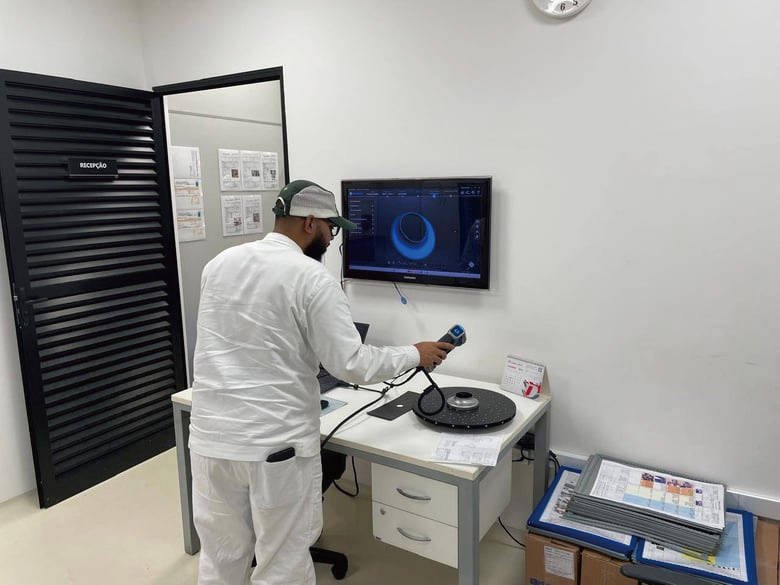
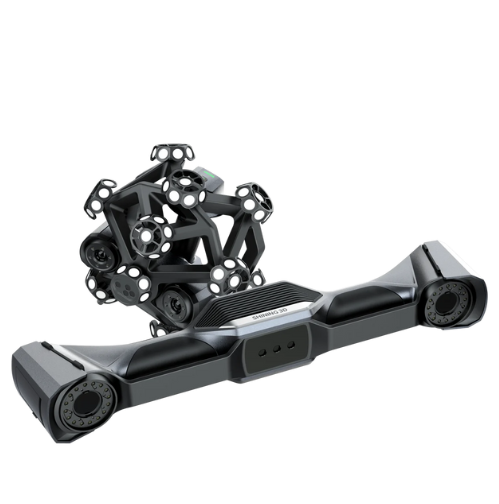
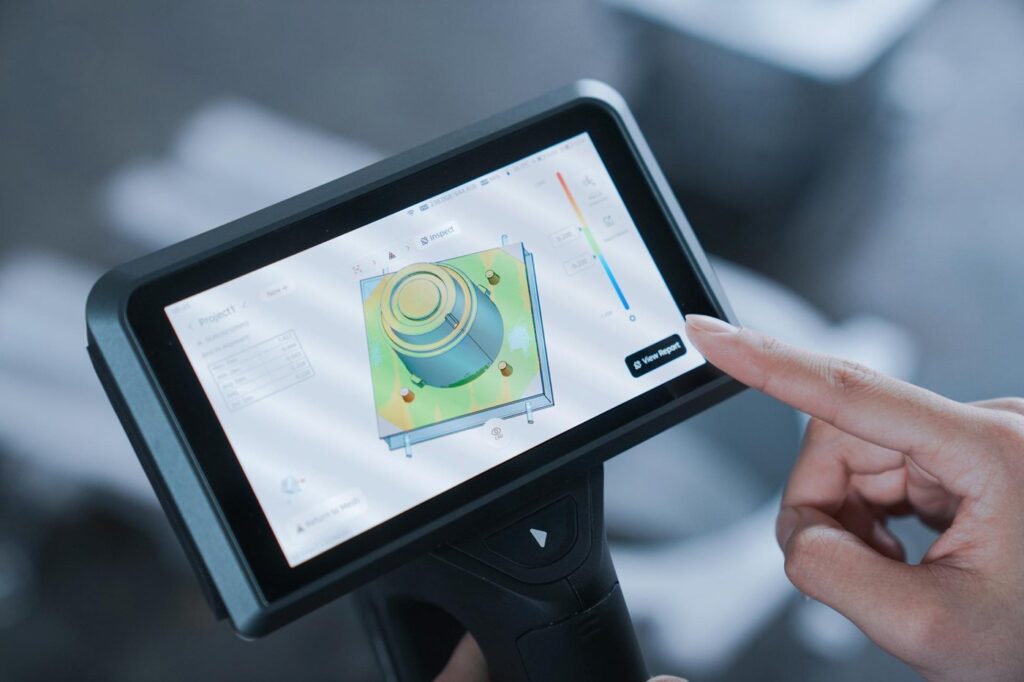
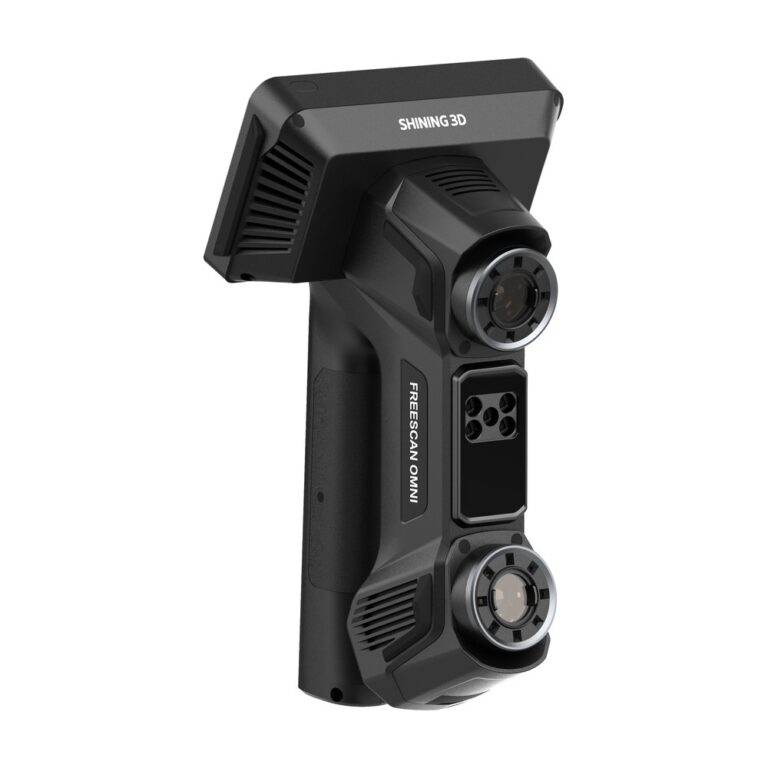
SHINING 3D lists three deployment modes. Desktop inspection runs the full feature set on a workstation. On-device inspection runs directly on the FreeScan Omni, so you decide at the part. Automated inspection integrates into automated systems for repeatable work. Inspect is integrated into the FreeScan software, and SHINING 3D's brochures list it as an option for the FreeScan Trak Nova and the OptimScan Q series.

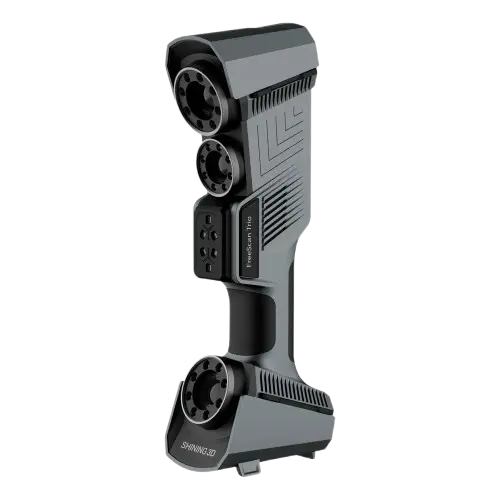
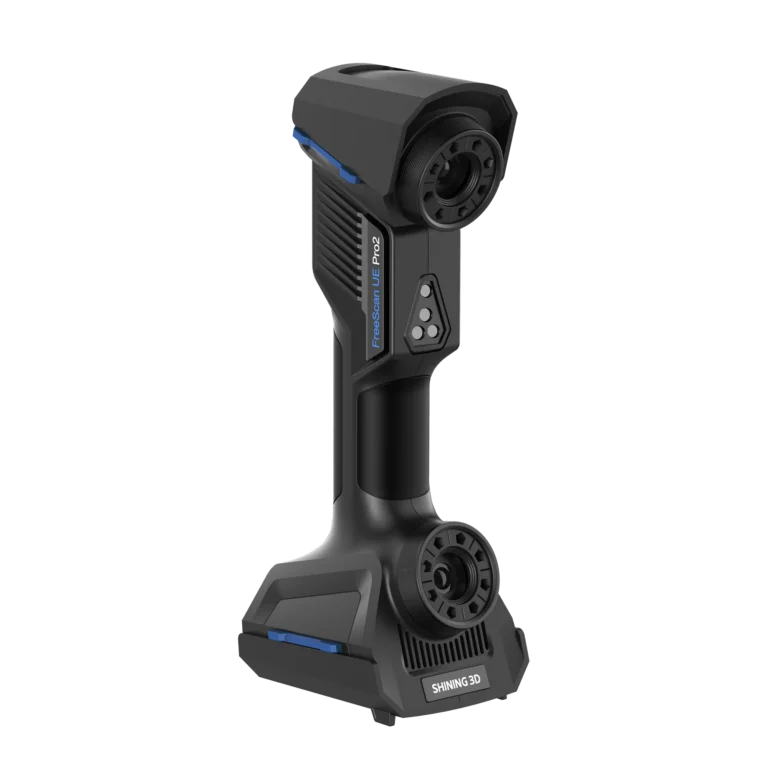
Other FreeScan scanners we supply: Combo+ Wireless, Trio and UE Pro 2. See the inspection service if you prefer to outsource.

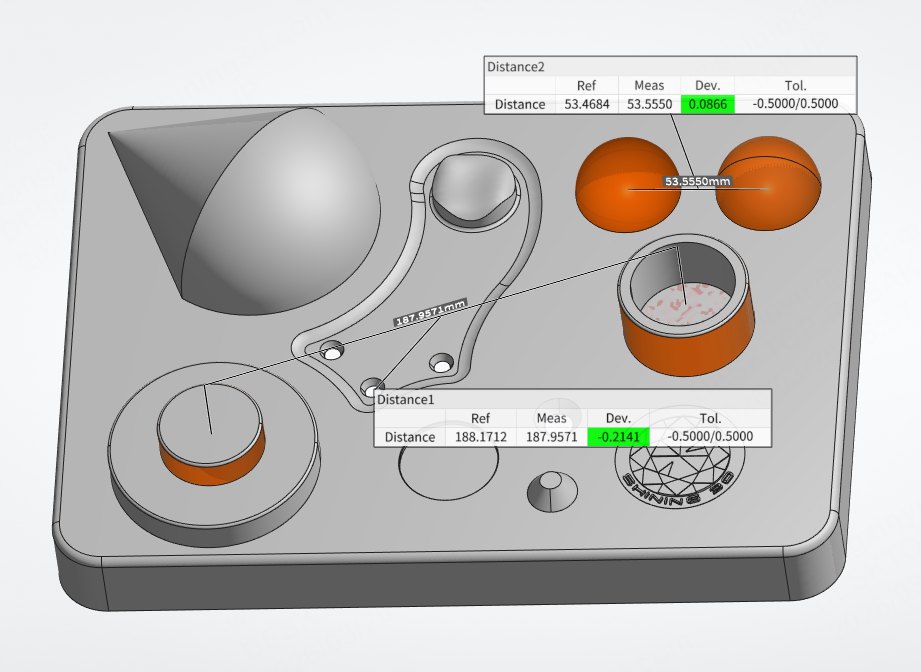
Feature and GD&T measurement in SHINING3D Inspect
Casting deviation map with callouts in SHINING3D Inspect

Which modules and features are included?

The table summarises what Inspect covers and what it adds beyond a basic compare tool, based on SHINING 3D's product page.

AreaWhat Inspect provides
ComparisonFull-field 3D colour map; 2D cross-section deviation; 2D and 3D comparison
GD&TISO and ASME; form, profile, position and runout checks on functional features
FeaturesFeature recognition and extraction for common shapes (point, line, plane, circle, cylinder and others)
AlignmentMultiple alignment tools, including best fit, datum and RPS
ModulesDent inspection; sheet-metal inspection (deformation, springback)
ReportingCustomisable reports; templates; batch "Auto Inspect"
DeploymentDesktop; on-device on FreeScan Omni; automated systems

Compare with EXMeasure if you only need to align and report on existing data. Part of the 3D software range.

Inspection results on the FreeScan Omni touchscreen

Licence, trial and system requirements

Full Inspect is documented as included with the FreeScan Omni. On other models it is an option, so we list it as a separate line in the quote and confirm what your package includes. The licence is floating: it can move between PCs at no fee, and we help with the transfer. SHINING 3D offers a free trial; ask us for current terms. SHINING 3D lists a minimum PC of Windows 10 or 11, 8 GB RAM, a dedicated GPU with 6 GB VRAM and 512 GB of storage.

Equipment

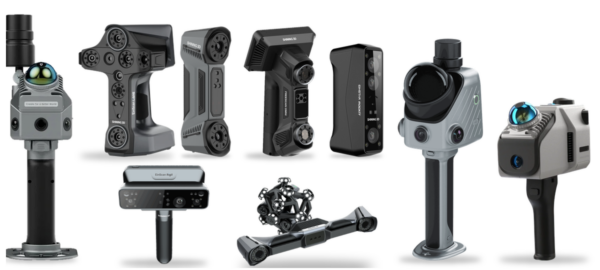
FreeScan metrology scanners

Why MAKE3D

  • Scanner, software, training and servicing from one local supplier.
  • Demo on your own part and CAD model.
  • Inspection service available if you do not want to run it in-house.

Video

See it in action

SHINING3D Inspect A streamlined, modular 3D inspection software (video: SHINING 3D)
Dent Inspection in SHINING3D Inspect Automated Surface Defect Analysis (video: SHINING 3D)

Send us the part, its CAD model and the tolerances that matter. We will run the inspection in SHINING3D Inspect and recommend the scanner.

Frequently Asked Questions

3D inspection software compares a scan with a CAD model, shows deviation as a colour map, evaluates GD&T and produces a report. SHINING3D Inspect does this for scans from our FreeScan scanners, on a desktop, on the scanner itself, or inside automated systems.

SHINING 3D states that Inspect’s Gauss least-squares and Chebyshev minimum-zone algorithms passed PTB certification, and markets it as PTB-certified measurement capability. That covers the software algorithms. Scanner accuracy is stated separately for each scanner, so ask us for the figure that matches your model.

Yes. It evaluates critical dimensions and tolerances on functional features, and you can switch between ISO and ASME. It also offers 2D dimensions, a measurement toolset and feature recognition. Send us your drawing callouts and we will check the workflow in a demo.

It is integrated into the FreeScan software and runs on the FreeScan Omni directly. SHINING 3D brochures list it as an option for the Trak Nova and OptimScan Q series. Tell us the scanner and part, and we will confirm what is included in your package.

Inspect is the full inspection package, with direct scanner integration, application modules and templates. EXMeasure aligns, compares and reports on existing scan and CAD data without direct scanning. See the EXMeasure page for details, and ask us which fits your workflow.

Yes. SHINING 3D licences for Inspect are floating, so a licence can move between computers at no fee. We help with the transfer. Plan who uses it and when, and ask us how many licences your team needs.

Get A Free Quote

Get Brochure Here