DESIGN
INSPECTION
LIDAR

Laser-accurate scans of parts, tooling and sites, delivered as mesh or point cloud.
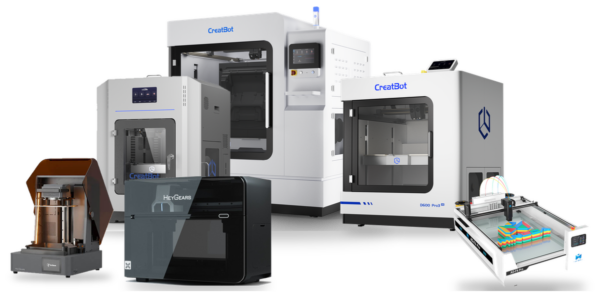
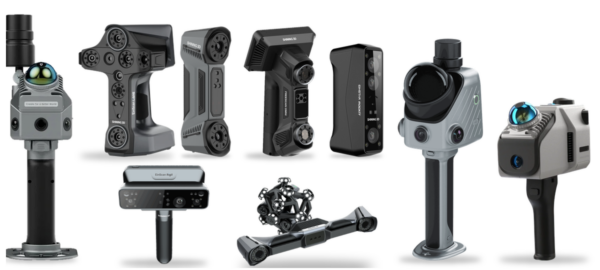
Prefer to bring it in-house? We supply the scanners, printers and software we use.
See equipment
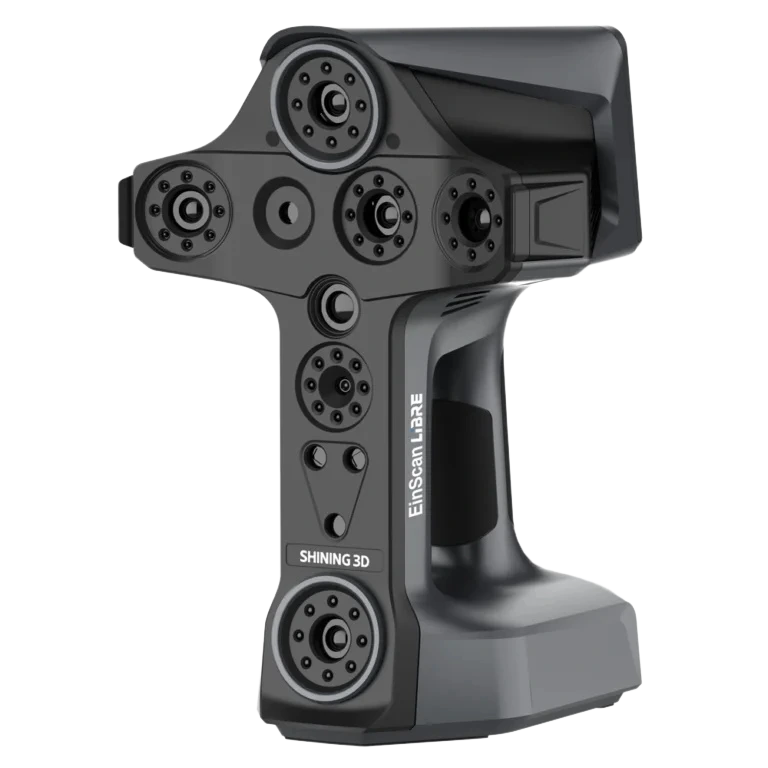
Component inspection, damage assessment and reverse engineering of legacy parts.
Prefer to bring it in-house? We supply the scanners, printers and software we use.
See equipmentDESIGN
INSPECTION
LIDAR

Laser-accurate scans of parts, tooling and sites, delivered as mesh or point cloud.
Prefer to bring it in-house? We supply the scanners, printers and software we use.
See equipment
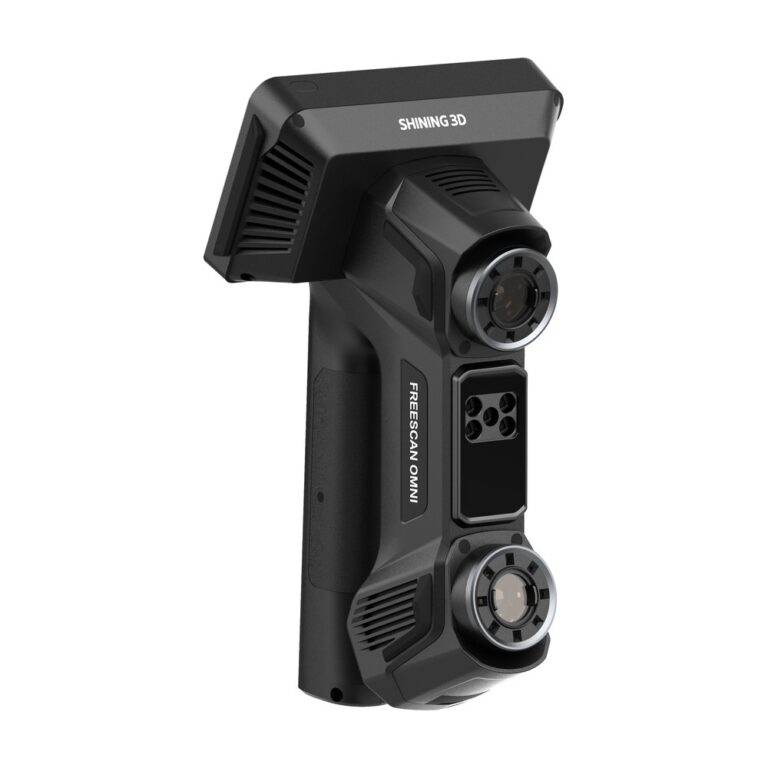
Component inspection, damage assessment and reverse engineering of legacy parts.
Prefer to bring it in-house? We supply the scanners, printers and software we use.
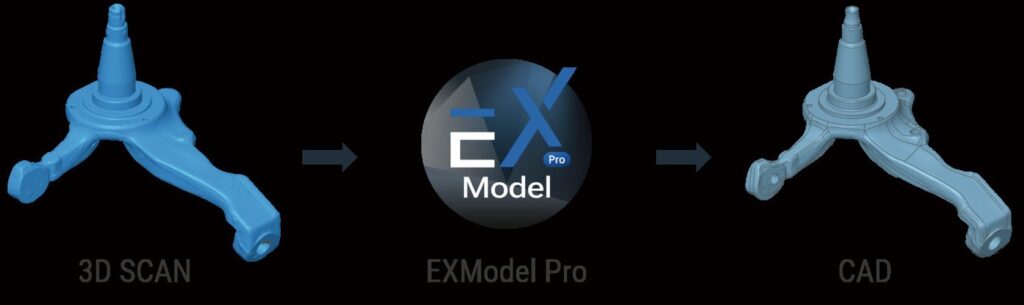
See equipmentEXModel is SHINING 3D’s reverse engineering software: it converts a scan mesh into a CAD model you can edit, then exports it as IGES, STEP or DXF for your own CAD package. MAKE3D is the Official Distributor of SHINING 3D in Malaysia, so we supply EXModel with the scanner, train your team and support the licence. Choose EXModel for core scan-to-CAD work and EXModel Pro when you need parametric and hybrid modelling. Send us a part and your CAD package and we will show the workflow in a demo.

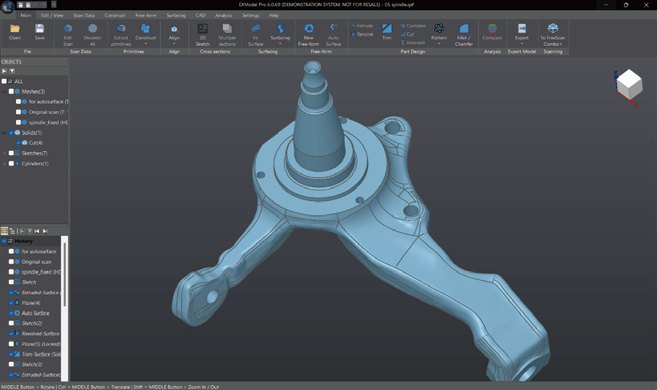
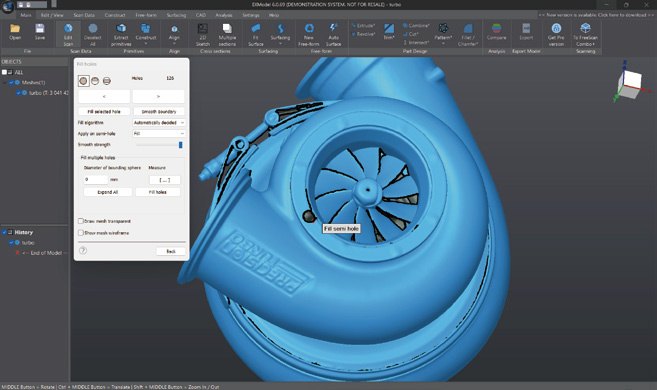
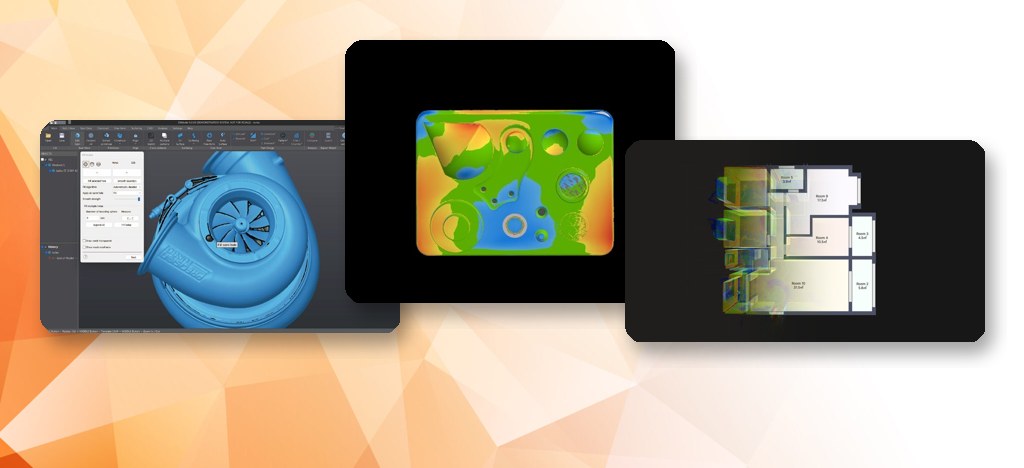
EXModel is scan-to-CAD software. It takes a scan mesh from a SHINING 3D scanner, cleans it, aligns it, extracts geometry and builds surfaces and solids that open in standard CAD software.
The typical workflow has six steps:
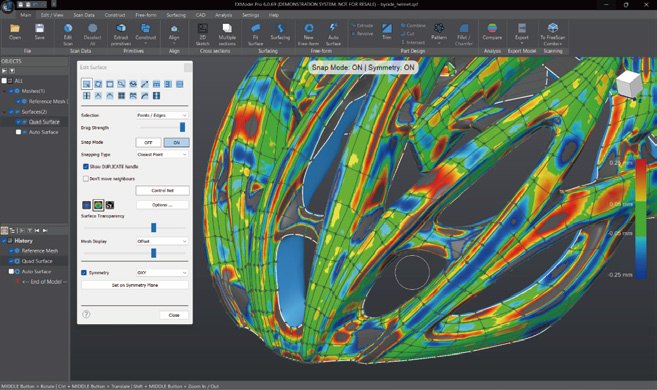
1. Import and clean the mesh: fill holes, remove outliers, reduce data size. 2. Align the mesh to world coordinates or other scans. 3. Extract primitives (planes, cylinders, cones, spheres) and reference geometry. 4. Create 2D sketches and cross sections. 5. Build surfaces by auto surfacing, manual quad-based modelling or fitting. 6. Combine the features into a CAD model and export.
The mesh can be sent across from SHINING 3D scanning software in one click, so there is no manual export and import step. It suits replacement parts without drawings, legacy tooling and redesign, the same jobs our reverse engineering service handles when you do not want to run the software yourself.
Both editions cover mesh editing, alignment, primitives extraction, sketching, auto surfacing and export. EXModel Pro adds the tools for parametric CAD work: constraints, loft and sweep, solid operations, fillets and hybrid modelling, plus transfer of the design and feature tree to other packages. The table is taken from SHINING 3D's own comparison.
| Feature | EXModel | EXModel Pro |
|---|---|---|
| Mesh editing (segmentation, fill holes, smoothing) | Yes | Yes |
| Mesh alignment (coordinates, N-points, fine align) | Yes | Yes |
| Primitives extraction, construct references | Yes | Yes |
| Cross sections, 2D and 3D sketching | Yes | Yes |
| Fit, manual free-form modelling, auto surfacing | Yes | Yes |
| Export features and profiles as IGES, STEP, DXF | Yes | Yes |
| Constraints, offset, patterns in 2D sketch | No | Yes |
| Helix, loft, sweep, fill and blend surface, flatten | No | Yes |
| Extrude and revolved surfaces | No | Yes |
| Trim to solid, cut, combine, intersect, fillet, chamfer, patterns | No | Yes |
| Hybrid modelling (free-form and parametric) | No | Yes |
| Transfer design and feature tree to other packages | No | Yes |
If you only need clean geometry to rebuild a part in your own CAD package, EXModel is usually enough. If you want the model built and edited inside EXModel with a feature tree, choose Pro.


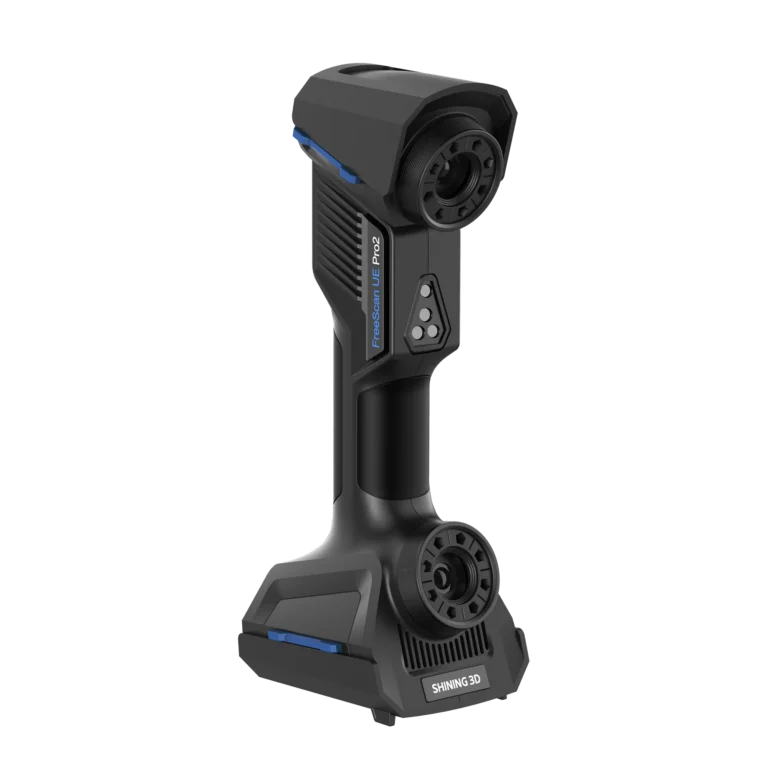
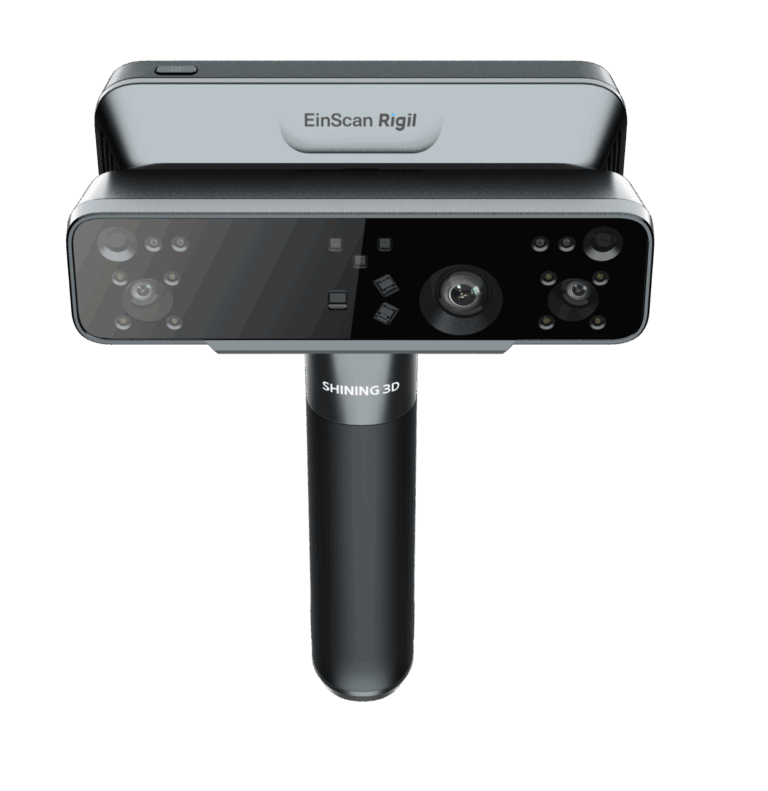
EXModel is part of the SHINING 3D workflow, so it sits behind the scanners we supply. For general scan-to-CAD, the EinScan Rigil and EinScan Libre are our professional handheld options. For parts with precision features that you also inspect, see the FreeScan Omni, Combo+ Wireless and UE Pro 2; for large parts, the FreeScan Trak Nova. Once the model exists, check it against the scan in SHINING3D Inspect. Part of the 3D software range.

SHINING 3D offers a 30-day EXModel trial, with Pro features available for 15 days within it; ask us for the current offer. EXModel licences are floating: they can move between PCs at no fee, and we help with the transfer. We quote the licence, training and installation as separate lines, and we support you locally after the sale.
Equipment


Video
Send us a photo of the part and tell us which CAD package you use. We will show the scan-to-CAD workflow in EXModel and recommend the scanner.
Reverse engineering software turns scan data into an editable CAD model. EXModel cleans the mesh, extracts planes, cylinders and other primitives, builds surfaces and solids, and exports IGES, STEP or DXF. It is how a scan of a part with no drawing becomes a model you can change.
Scanner software captures and aligns the scan and outputs a mesh. Scan to CAD software such as EXModel takes that mesh and rebuilds it as CAD geometry. The mesh moves across from SHINING 3D scanning software in one click, so the two work as one workflow.
EXModel covers mesh editing, primitives, sketching, auto surfacing and export. Pro adds constrained sketching, loft and sweep, fillets, solid operations and hybrid modelling. Choose Pro if you will build parametric models inside the software; choose EXModel if you rebuild the part in your own CAD package.
Yes, the licence is floating: it can move between PCs at no fee. Make3D assists with the transfer. It is still one licence, so plan who uses it and when. Ask us how many seats your team needs and we will quote them as separate lines.
Both are scan-to-CAD products, so some teams compare them. We do not publish a feature-by-feature comparison. The best test is your own part: send us a scan and we will run it through EXModel in a demo so you can judge the output and the effort.
SHINING 3D offers a 30-day trial, with Pro features available for 15 days within that period. Offers change, so ask us for the current terms and we will arrange the trial, installation and a short training session on your own part.