Home / 3D Software for Reverse Engineering, Inspection and LiDAR in Malaysia / FJD Trion Model: Point Cloud Software for LiDAR Scanning in Malaysia

FJD Trion Model: Point Cloud Software for LiDAR Scanning in Malaysia

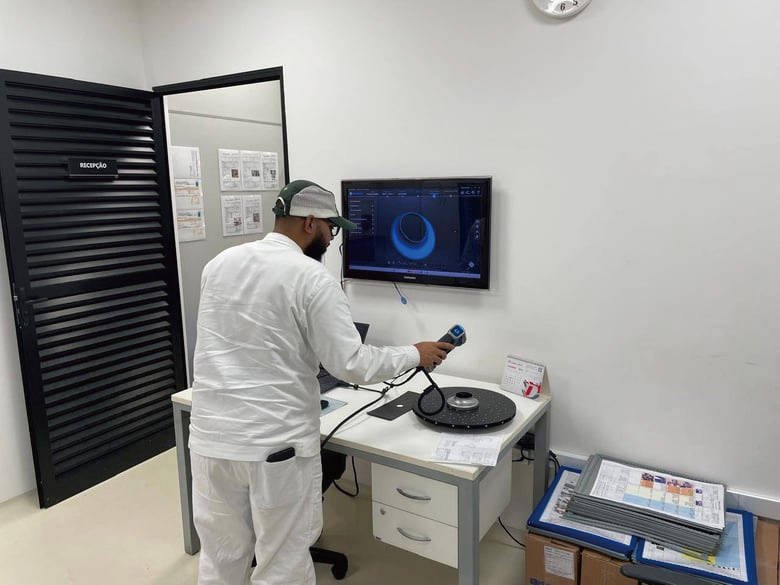
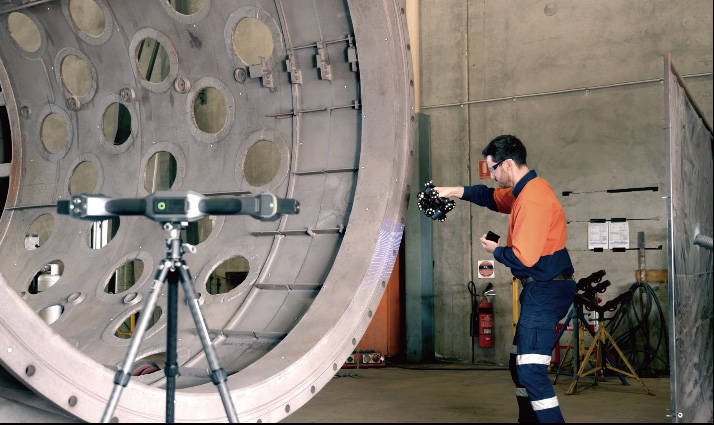
FJD Trion Model is point cloud processing software for FJD Trion LiDAR data. It registers, colourises, classifies and measures scans on a Windows PC, produces contours, volumes and drawings, and connects directly to Revit through a plug-in. MAKE3D is the Official Distributor of FJD Trion in Malaysia, so we supply the scanner, the software plan that fits your work, and local training. We deliver the scanners and the point clouds; Trion Model’s Drawing module supports scan-to-BIM. Tell us the site and deliverable, and we will recommend the plan.

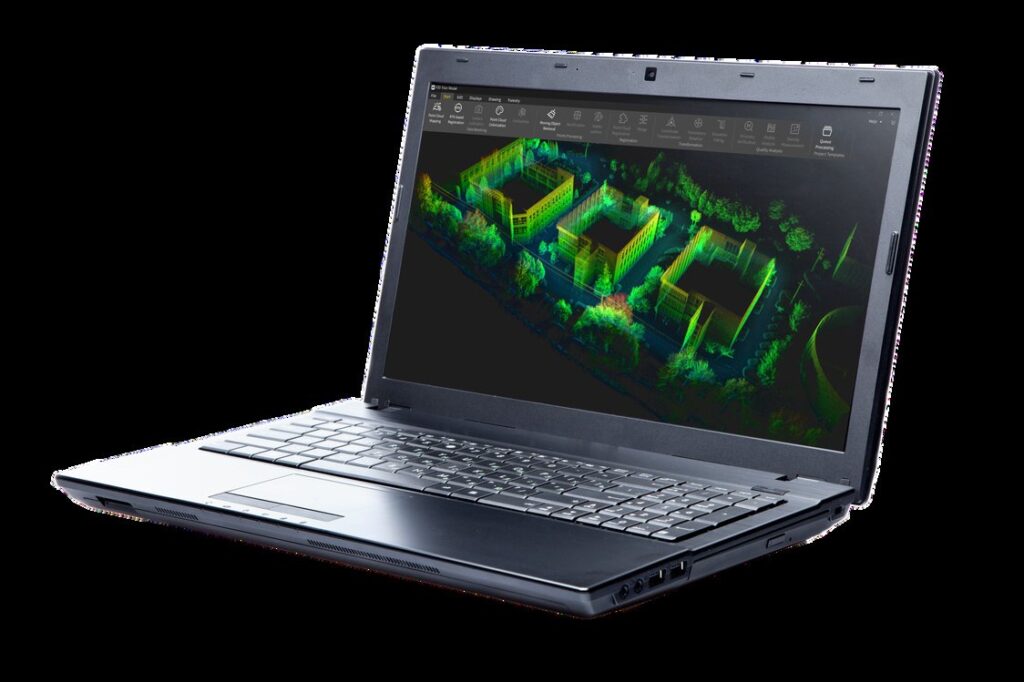
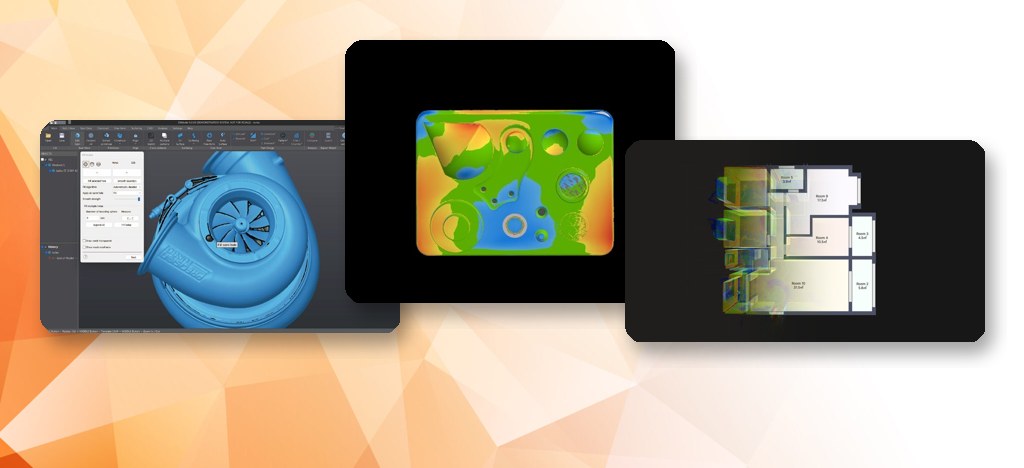
FJD Trion Model point cloud processing software on a laptop

What does FJD Trion Model do?

FJD Trion Model is the desktop application for turning raw LiDAR scans into usable deliverables. Every plan includes these Standard functions:

  • Point cloud mapping, colourisation, RTK and PPK registration, rectification.
  • Deep-learning and image-assisted classification (buildings, trees and geological features).
  • Mesh, contour generation, surface area and grid volume calculation (stockpiles, enclosed volumes).
  • Profile and section tools, slice plane and contour extraction.
  • E57, RCP and RCS support for exchange with other software.
  • Data fusion, model texturing and 3D Gaussian Splatting (3DGS) model generation.
  • HyperDense+, which FJD states gives 5 to 7 times denser point clouds with up to 1 mm spacing.
  • One-click point cloud tilt correction and fly-through video output.

Outputs include LAS, LAZ, E57, PLY, PTS and other point cloud formats, DWG and DXF for CAD, OBJ and STL for 3D models, GeoTIFF orthophotos and DOCX or XLSX reports. The latest release we track is V2.0.9 (September 2026), which added support for the T1 and added pipe centreline fitting and mine tunnel outline drawing.

Which plan do I need?

Start with Standard for registration, classification, volume and Revit work. Add one specialist plan if your job is drawing, forestry, site documentation or tunnel sections; choose Pro if you need all four. Each plan includes all Standard features.

PlanAdds to Standard
StandardCore processing, classification, mesh, contours, volume, 3DGS, Revit plug-in
DrawingGraphic drawing, 3D drawing and floor plan extraction
ForestryTree modelling, ground extraction, tree segmentation, storage capacity, crown analysis, tree species identification, report generation
Site SurveySite drawing, site marking and measurement, report generation (for example incident and accident scenes)
Section AnalysisAxis and section design, section generation and comparison, report generation (for example tunnel sections)
ProAll four specialist groups

Licence options are quoted by plan; ask us what suits your work.

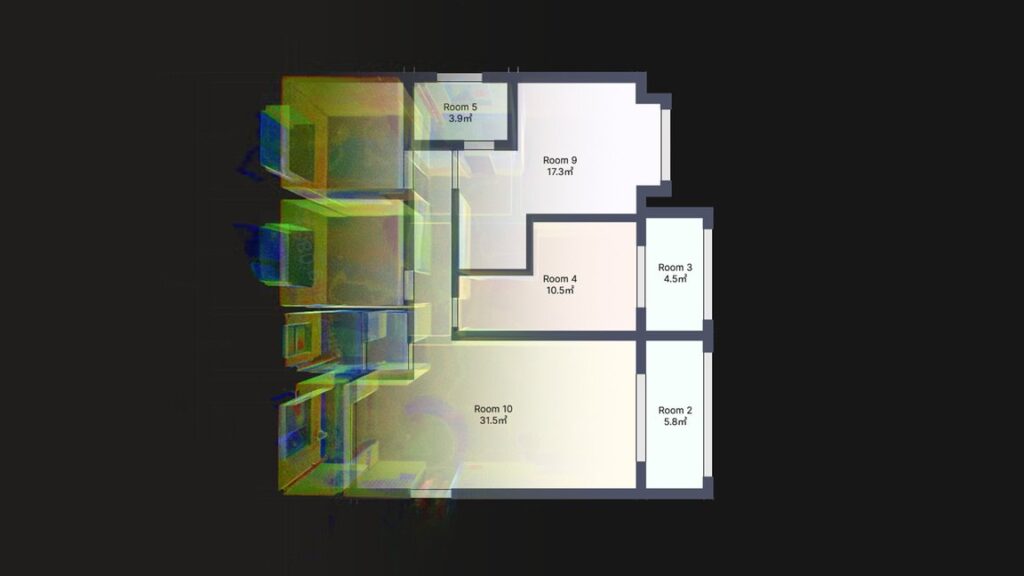
Floor plan extracted from a point cloud in FJD Trion Model
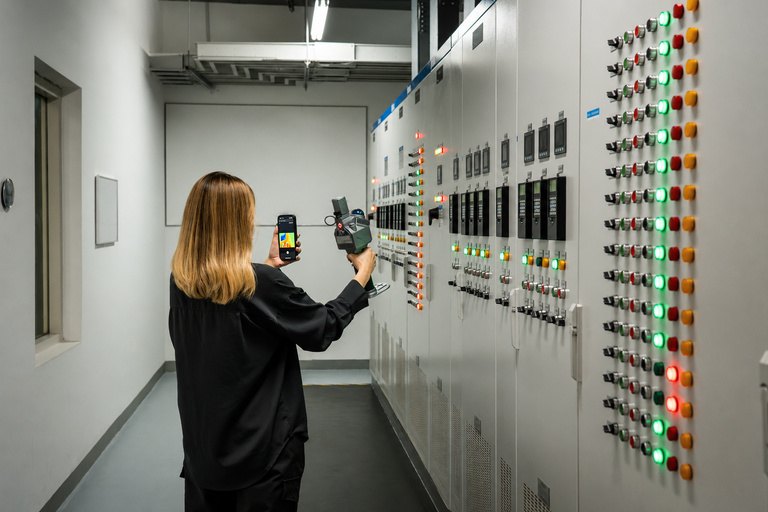
Handheld LiDAR scanning of a switch room

Scan to BIM and the Revit plug-in

FJD Trion Model connects directly to Revit through a plug-in that keeps scan data, views and drawings in sync, so you do not export, convert and reload point clouds between programs. The Drawing module gives you 2D and 3D drawing and floor plan extraction on the point cloud, which supports scan-to-BIM work. We supply the LiDAR scanners and the point clouds; your team builds the BIM model in Revit. See our industrial solutions page for construction and facility workflows. If you only need to share, view and measure data in a browser, see Trion Model Web.

Equipment

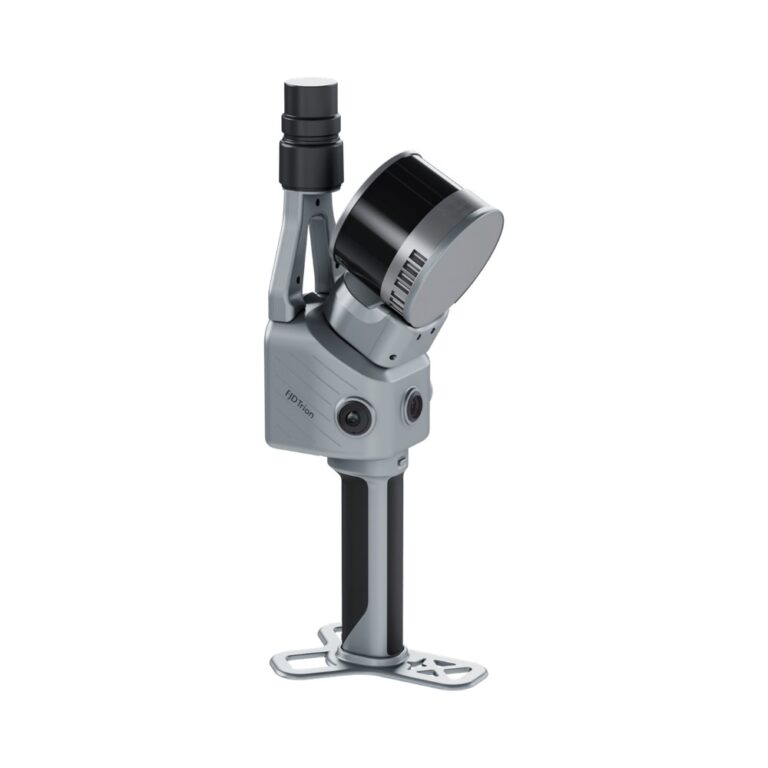
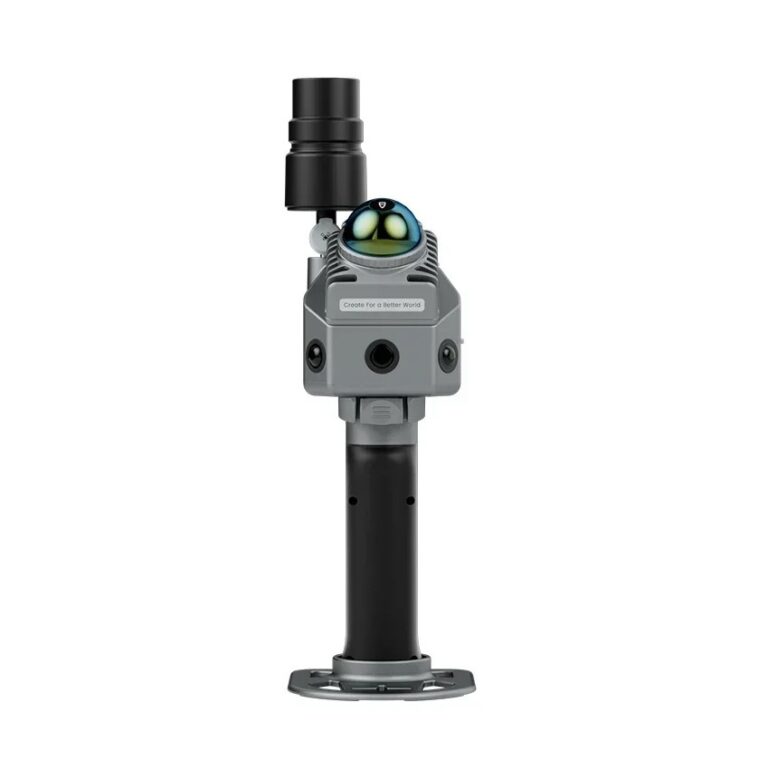
FJD Trion LiDAR scanners

Which FJD Trion scanners does it support?

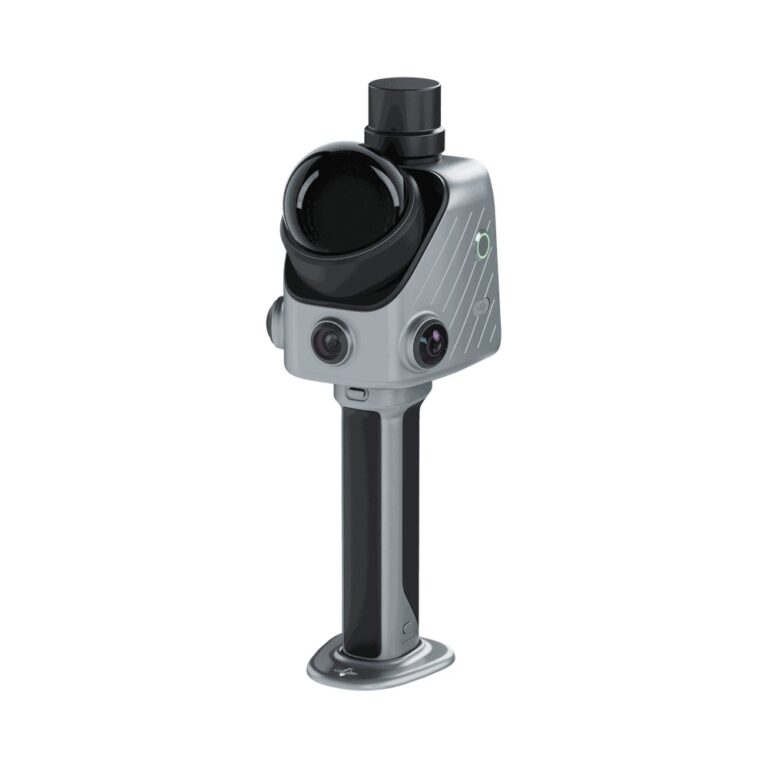
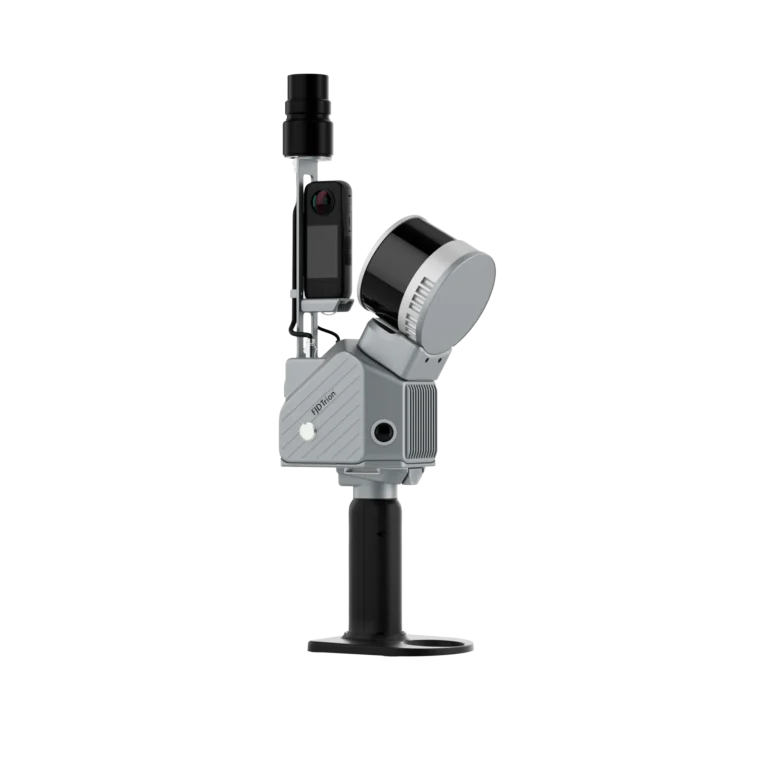
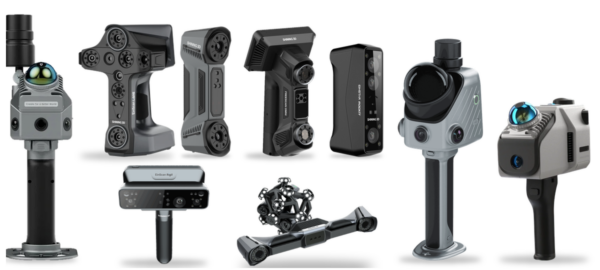
Trion Model processes data from the FJD Trion P2, S2, P1, T1 and V4e. The X1 plans tasks and reports in Trion Model Web. Compare the models on our FJD Trion LiDAR page. The desktop software is for Windows; an iPadOS version is available for on-site review. FJD offers a 30-day trial; ask us for the current offer and the PC specification FJD recommends for your data size. Part of the 3D software range.

Why MAKE3D

  • Scanner, software plan, training and local support from one supplier.
  • Demo on your own site data, including a Revit hand-off.
  • Services available if you would rather outsource the scanning.

Video

See it in action

Introducing FJD Trion Model (video: FJDynamics)
Tutorial How to Turn Point Clouds into BIM Models Fast with the FJD Trion Revit Plugin (video: FJD Trion)

Tell us the site, the deliverable and the software you use, such as Revit. We will recommend the scanner and Trion Model plan and arrange a demo.

Frequently Asked Questions

Point cloud software processes LiDAR scan data: it registers scans, adds colour, classifies points, measures distances, areas and volumes, and exports drawings and models. FJD Trion Model does this on a Windows PC for FJD Trion scanners, with a Revit plug-in for BIM workflows.

Yes. FJD Trion Model includes a Revit plug-in that syncs scan data, views and drawings with Revit, so you do not export, convert and reload the data. The plug-in is part of every plan, including Standard. Tell us your Revit version and we will confirm it in a demo.

Scan to BIM uses a point cloud as the basis for a BIM model. Trion Model connects to Revit and its Drawing module extracts floor plans and 2D or 3D drawings, which supports scan-to-BIM work. We supply the scanners and point clouds; ask us about the workflow for your project.

Six plans: Standard, Drawing, Forestry, Site Survey, Section Analysis and Pro. Each includes all Standard features and adds one specialist group; Pro includes all four. Tell us your use, such as drawings, tunnels or forestry, and we will quote the plan that matches.

FJD advertises a 30-day free trial of FJD Trion Model. Offers can change, so ask us for the current terms. We can also arrange a demo on your own LiDAR data, or set up a trial together with a scanner demo.

It processes data from the FJD Trion P2, S2, P1, T1 and V4e, among others in FJD’s range. Check the scanner page for the model you plan to buy, or ask us for a recommendation based on site size, range and the deliverable you need.

Get A Free Quote

Get Brochure Here